
Right now you probably have at least a dozen browser tabs open. One of them is playing something. Two are articles you’ll “read later” (you won’t). At a certain point, the text is unreadable and they’re a mystery even to you. The one-tab rule fixes this: keep only one browser tab open for the task in front of you, and close everything else.
That’s the whole rule.
Key Takeaways
- The one-tab rule is defined as keeping only one browser tab open that relates to the single task you are actively working on.
- Browser stress starts to spike at a median of 8 open tabs, per research on browser management habits.
- The core mechanism is decision drain: every extra tab is a micro-decision your brain has to manage, which burns mental energy before you’ve done any real work.
- Mono-tasking via a single browser tab is a practical application of the well-established productivity cost of multitasking.
Why Your Tab Graveyard Is Costing You
The problem isn’t the time you spend switching tabs. It’s the mental overhead. Every open tab is a small, nagging question your brain keeps half-answering: should I be looking at that instead? Stack eight of those up and you’ve got a full-time job just managing the noise.
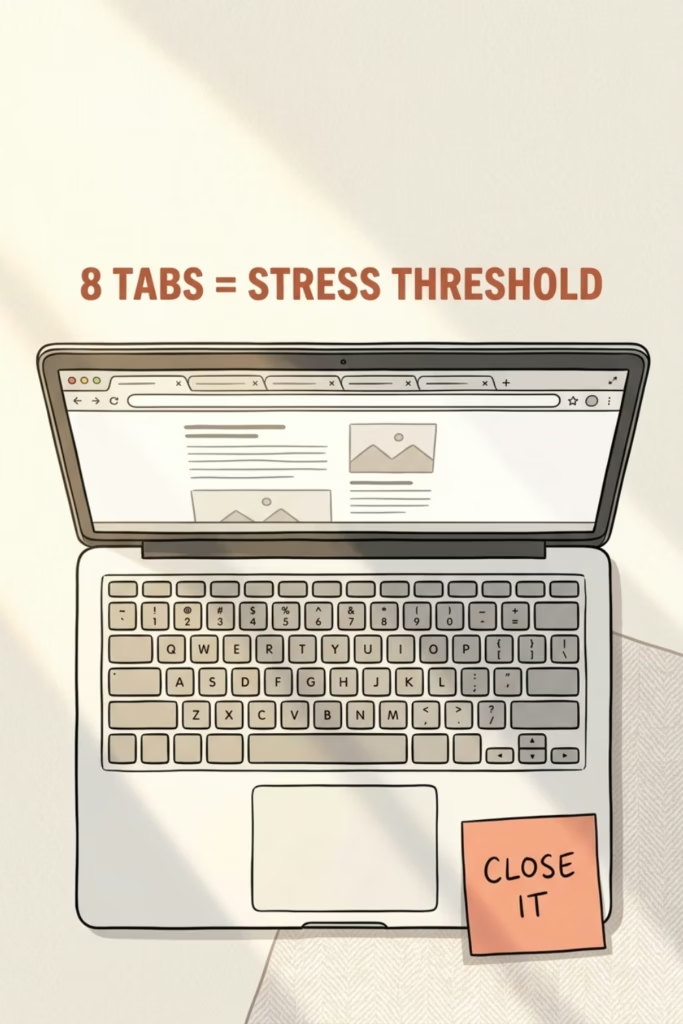
Research on browser habits puts the stress threshold at a median of 8 open tabs, which, honestly, most of us blew past before 9 a.m.
The technical term for what’s happening is decision drain, per research on browser choice overload. This is tab clutter doing its worst, a productivity fix is as simple as closing what you’re not using right now. Fewer choices, fewer micro-decisions, more actual output. It’s the same reason some people wear the same thing every day (Steve Jobs, Mark Zuckerberg, your one coworker who you thought was weird until you realized he’s the most productive person in the building).
During my Team Lead days running a nearly 5 billion dollar system, focus wasn’t optional. Every morning, I’d start with a clean slate of tabs and only open what was necessary for the upcoming and current meetings. This allowed me to direct a team of 15 towards the most critical fires, while keeping most of my hair (I’m down to only one good side, but at least we were able to get people paid).
How to Actually Use the One Browser Tab Rule
The rule sounds simple and then you try it and realize you’ve been living like a hoarder in browser form. A few ways to make it stick:

Use Chrome Tab Groups. Put related tabs in a group, collapse the group, and keep only the one you need visible. Out of sight, genuinely out of mind. (Mostly. Results vary.)
Close before you open. Before you open a new tab, ask what you’re closing first. One in, one out. Like a bouncer, but for your browser.
Bookmark aggressively, open rarely. That article you’re “saving for later”? Bookmark it. The tab version of saving it is just anxiety with a favicon.
Close tabs to the right. Right click your first tab and press “Close tabs to the right” for a full reset. If you really need them, they’ll be there again soon.
If you’re already working on cutting your to-do list down to what actually matters, the one-tab rule is the browser equivalent. Same philosophy: less on the plate means more gets eaten. And if you’re prone to over-committing your attention the same way you over-commit your schedule, it might be worth a look at what to keep, cut, and acquire more broadly.
Frequently Asked Questions
What is the one-tab rule for productivity?
The one-tab rule means keeping only one browser tab open that relates to the single task you’re actively working on, per Productive Patty. Everything else gets closed or collapsed until you’re done. The goal is mono-tasking: one task, one tab, no background noise pulling your attention sideways. It’s the browser version of deep work. A single tab, single task, no background noise.
How many browser tabs is too many?
Research on browser management puts the stress threshold at a median of 8 open tabs, per Shift. Past that point, most people start feeling the cognitive weight. The one-tab rule is the strictest version of limiting that number, but even getting under 8 is a meaningful improvement.
Does the one-tab rule actually work?
Yes. The underlying mechanism is well-established: multitasking forces the brain to re-focus every time it switches tasks, per research on context-switching. Less switching means more sustained attention, which means more actual work gets done.
Do I have to use literally one tab, or is that too extreme?
One tab is the idea, not a law. The point is to make your browser reflect what you’re actually doing right now, not everything you might do later. If your work genuinely requires two tabs open simultaneously, that’s fine. The rule is a mindset shift, not a browser setting with consequences.
Today’s move: Close every tab that isn’t related to what you’re working on right now. Just close them. If something feels important, bookmark it first, then close it. See how long you can hold the line.
Get The Enough List — free.
Ten minutes, five areas. A short guide for figuring out what enough looks like in money, health, work, people, and time — before you go sprinting at someone else's finish line. Yours when you subscribe.